

User-Specific & Personal-Brand-Specific
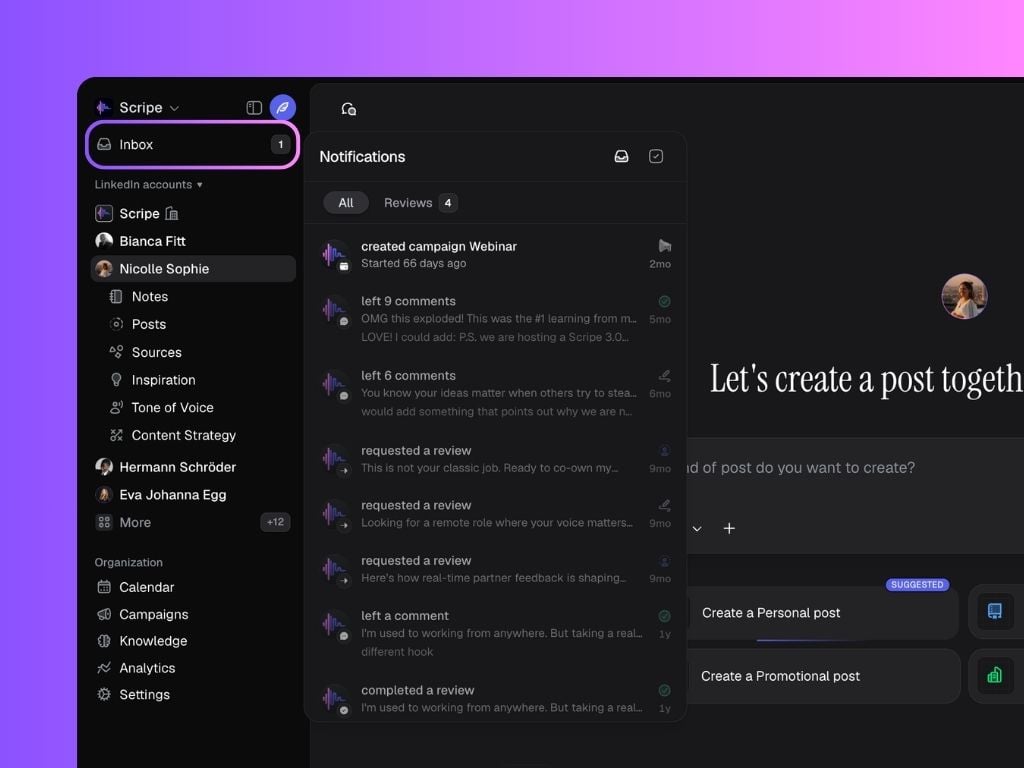
Your Inbox shows notifications based on two contexts:- User-specific → These are notifications sent directly to you (for example, when a teammate mentions you in a comment or a post that you request review is approved or rejected).
- Personal-brand-specific → You’ll also see notifications related to the personal brand(s) you’re currently in — such as campaign updates, brand-wide comments, and product notifications.
Filtering Notifications
At the top of the inbox, you can filter what you see:- Unread & Read → Shows all notifications
- Unread → Only new ones you haven’t opened
- Archived → Notifications you’ve marked as done