

How to Connect Your LinkedIn
In case you have not connected your LinkedIn during onboarding, you can connect it anytime in two simple ways:1. From Your Dashboard
- On your Personal Brand dashboard, click Connect in the top right corner
- This will prompt you to connect your LinkedIn account
- Once connected, the badge will state Active
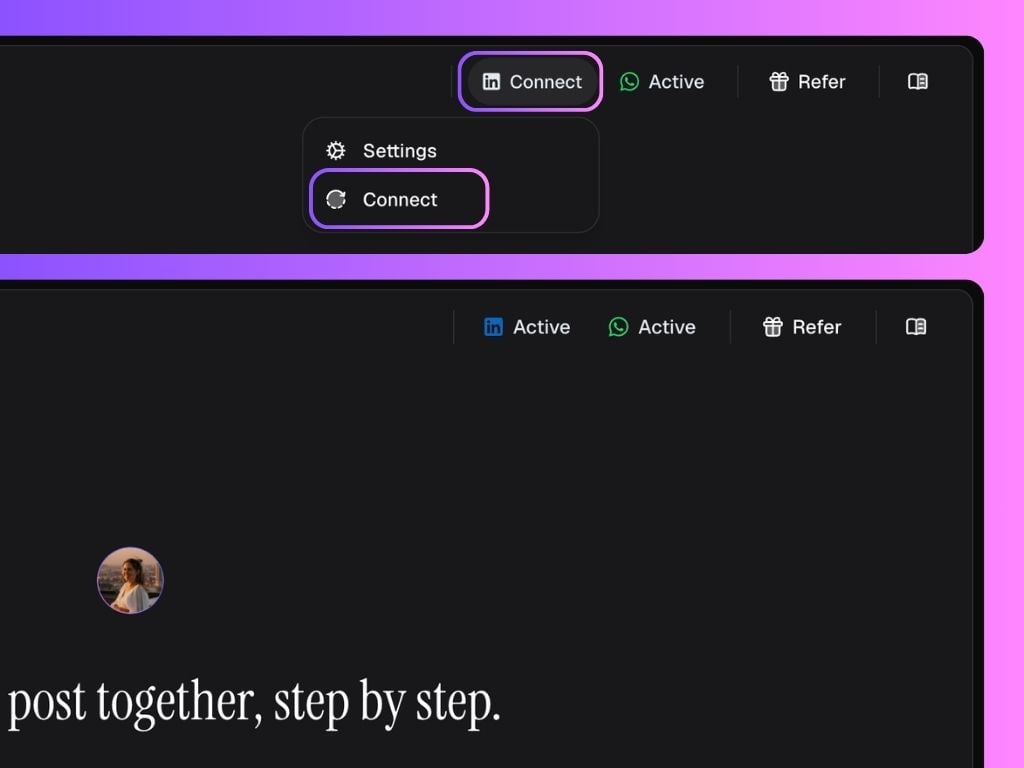
2. From the Personal Brand Settings
- Go to the Workspace Settings
- Select the Personal Brand you want to connect
- Click Disconnect/Connect
- This will prompt you to connect your LinkedIn account