

How to generate a post from scratch, in Scripe. This feature lets you start with a clean slate. If you already have a post idea or draft in mind, use this option to open the editor and build your post from scratch.Documentation Index
Fetch the complete documentation index at: https://docs.scripe.io/llms.txt
Use this file to discover all available pages before exploring further.
How to Use It
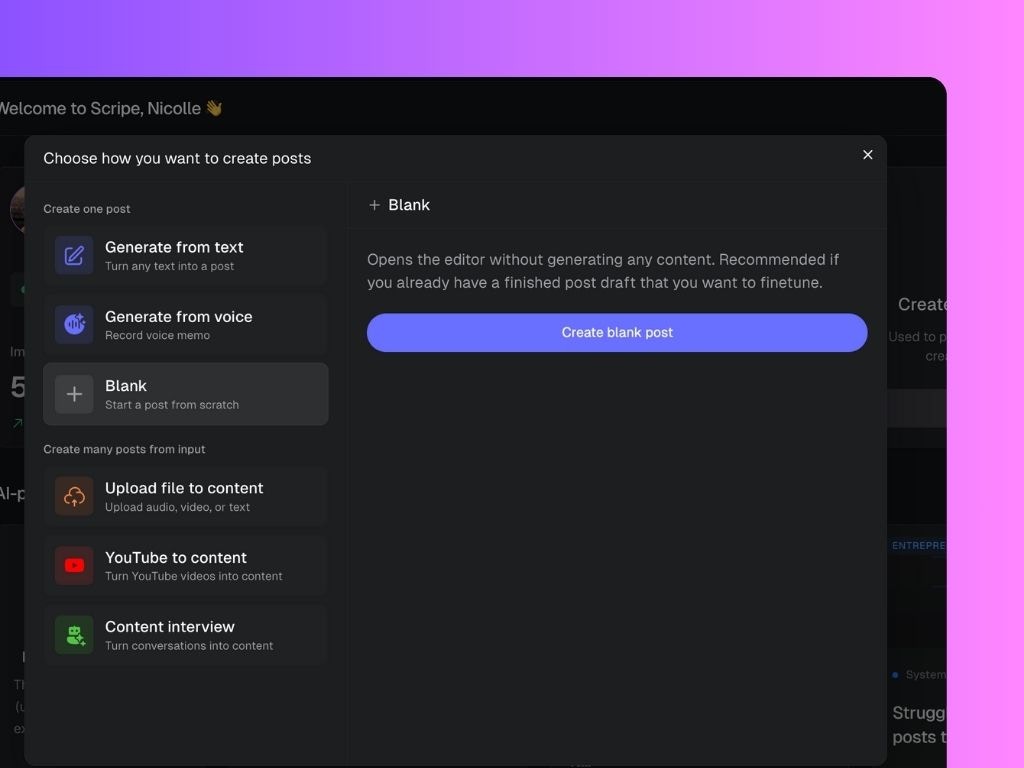
- On your Scripe dashboard, click the “Create posts” button (top-left sidebar)
- In the pop-up menu, select “Blank”
- Click “Create blank post” to open the editor